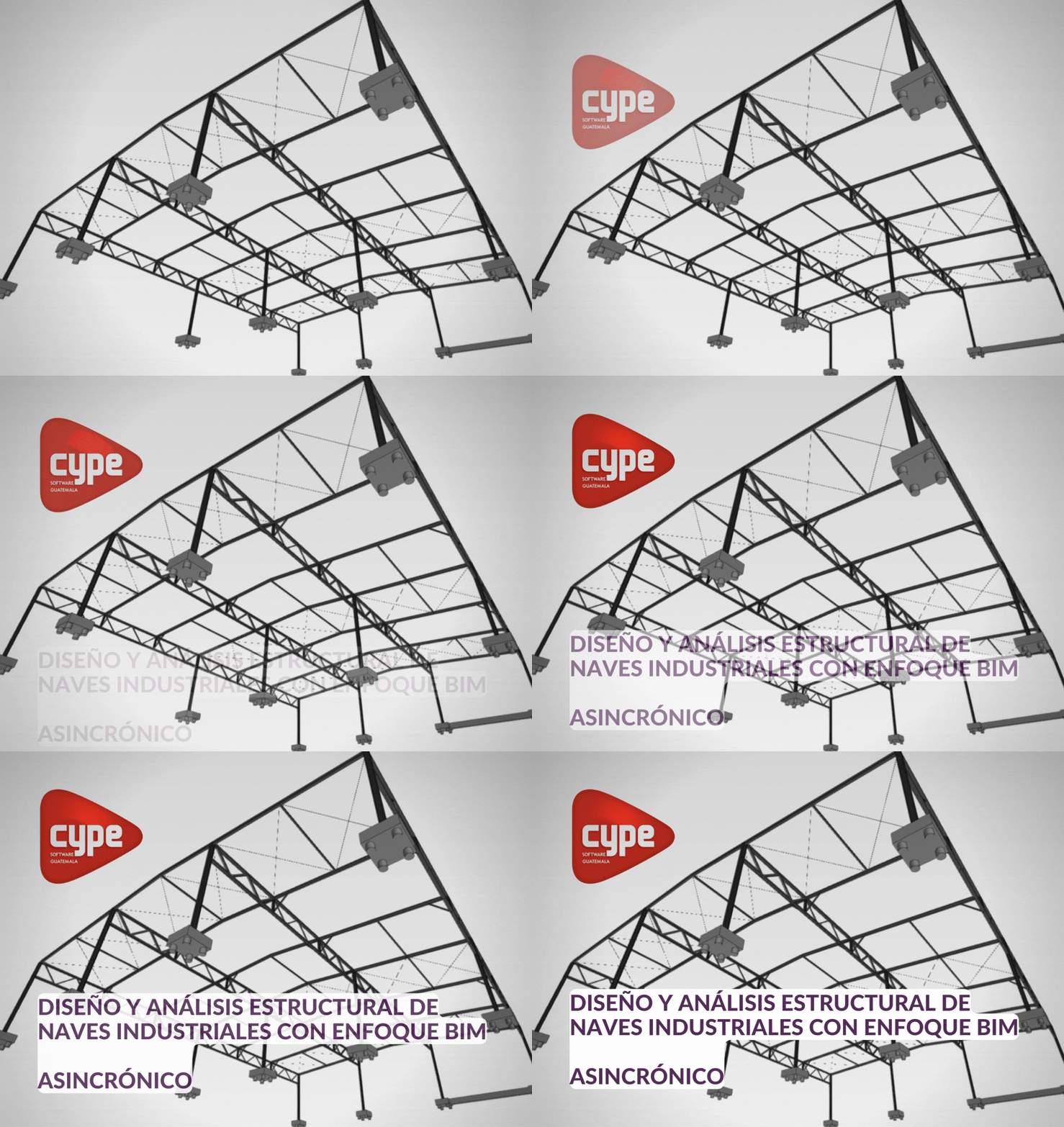
Design and structural analysis of industrial buildings with a BIM approach
A wide variety of general topics present in most industrial buildings with standard seismic classification are covered. The course will be supported by the use of spreadsheets for some of the topics and recommendations. To achieve the required goals and projections, we will use StruBIM CYPE 3D, a BIM modeling software, to migrate the analysis and detailing with StruBIM Steel to Revit Structures, one of the tools used for detailing and drawing delivery. We will use the current Guatemalan NSE 2018 standard and the American standard (AISI/AISC 360-16 and 341-16). Only the design of connections and foundations present within StruBIM CYPE 3D will be included. The course is created through a series of high-resolution videos, developed examples, real-life cases, practical cases by the specialist, and a final activity that will allow the student to put all the acquired knowledge into practice. Upon completion of the course, you will be able to answer the following questions: - How do I generate a detailed steelwork delivery for industrial buildings? - What regulations apply to a steel model with a standard seismic classification? - How do programs work in a collaborative environment with Strubim, CYPE 3D, and Revit? - How do I apply current regulations to structural models? - What is BIM and what impact does it have on my projects? - Why are BIM tools a competency requirement for the current delivery of structural projects?
- (2X1) OFERTA BONO 14: CYPE - BIM CURVE
More Details
APRENDE
MODELADO PRÁCTICO APLICANDO CRITERIOS ESTRUCTURALES DEL INSTRUCTOR ESPECIALISTA
APLICACIÓN DE CARGAS VIVAS Y MUERTAS
APLICACIÓN DE CARGAS CLIMÁTICAS
TENSIÓN, COMPRESIÓN, FLEXIÓN, CORTE Y ESFUERZOS COMBINADOS
ENTREPISO DE LOSACERO
DISEÑO DE ESCALERAS
DISEÑO DE VOLADIZOS
CONEXIONES CON PERNOS Y SOLDADOS
CIMENTACIONES
INTEROPERABILIDAD BIM
REQUISITOS PARA APLICAR AL CURSO:
CONTAR CON:
1. Computadora preferible doble monitor
2. Tiempo a dedicarle 3 horas a la semana / teoría y práctica
ACCESO A LICENCIA DE CYPE / DURANTE EL CURSO:
Durante el curso tendrá acceso a una licencia temporal para hacer el uso de la herramienta StruBIM CYPE 3D
PROMAS SECUNDARIOS NECESARIOS:
Mathcad
Excel
Revit /versión 2,020 o 2,021
ESTUDIANTE DE 8vo. SEMESTRE / PROFESIONAL EN:
Ingeniería Civil
MODALIDAD:
Formato asincrónico / grabado
ACCESO AL CURSO:
4 Meses
CERTIFICACIÓN:
TIENE 3 MESES PARA APLICAR Y PRESENTAR LO APRENDIDO (PRESENTAR EL DISEÑO DE UNA NAVE INDUSTRIAL - PUEDE ENTREGAR EL EJERCICIO VISTO EN CLASES CON SU RESPECTIVA APLICACIÓN), ESTO GENERA EL DERECHO A CERTIFICACIÓN. SI PRESENTA DESPUÉS DE 2 MESES NO TENDRÁ VALIDEZ.
PENSUM DE ESTUDIOS:
M0D-1 Modelado
a. Normativa NSE y ANSI/AISC
b. Materiales y configuración inicial
c. Levantamiento del modelo
M02 Cargas
a. Clasificación de la estructura
b. Integración de cargas muertas y vivas
c. sismo dinámico y su calibración respecto al sismo estático
d. Cargas climáticas: viento, tefra y lluvia
e. Combinaciones de carga y su aplicación
M03 Diseño en general
a. Diseño de costaneras con y sin bracones
b. Tensión, Compresión, flexión, corte y esfuerzos combinados
c. Flechas, derivas e irregularidades
M04 Diseño de entrepisos
a. Diseño de losacero
b. Diseño de vigas compuestas
c. Diseño de escaleras
d. Voladizos
M05 Conexiones
a. Conexiones disponibles dentro de CYPE
b. Diseño de conexiones básicas con hojas de cálculo
M06 Cimentaciones
a. Pedestales y zapatas
b. Vigas de liga y vigas centradoras
M07 Interoperabilidad BIM
a. Vinculación con BIMServer.center y sus distintas aplicaciones
b. Importancia del detallado de acero
c. Elaboración del modelo BIM
d. Elaboración de planos

Soporte por correo:
El alumno matriculado tendrá acceso al instructor, con derecho a preguntas durante el curso
CURSO INICIA HOY
Descargue información completa:
CURSO - Diseño y análisis estructural de naves industriales con enfoque BIM.pdf
Pasos para iniciar:
1) Realiza el pago - hasta 10 cuotas para pagar
Link de pago
https://link.ebi.com.gt/EBL100074cz5mrdlqn49/1621282737c75d22b/1636075439557904d
2) Envia tu comprobante a nuestro equipo info@curvabim.com ó whatsApp
Alumno matriculado
4) Accede al contenido en video en nuestra plataforma
5) Descarga el material del curso
Inicia hoy